Turning Clicks into Customers
In the digital age of 2025, launching your own online store has never been more accessible or profitable. Whether you're a small business owner, a creative entrepreneur, or just someone with a product idea, you can get up and running with a professional online store in just a few steps.
Step 1: Choose the Right eCommerce Platform
Popular choices include:
- Shopify – Easy to use, all-in-one solution
- WooCommerce – Great for WordPress users
- BigCommerce – Scalable for growing businesses
- Wix eCommerce – Beginner-friendly with drag-and-drop features
Pick a platform that suits your budget, goals, and technical skills.
Step 2: Pick a Memorable Domain Name
Choose a domain that:
- Reflects your brand
- Is easy to spell and remember
- Includes keywords if possible
Register it via platforms like GoDaddy or Namecheap.
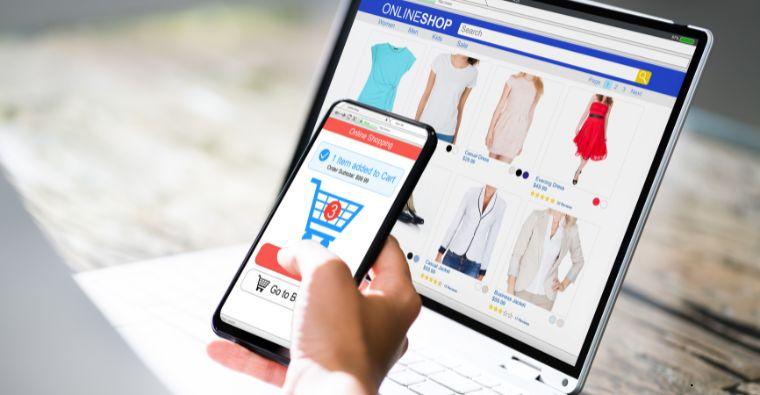
Step 3: Design Your Online Store
Use a customizable theme or template. Focus on:
- Clean layout
- Easy navigation
- Mobile responsiveness
- High-quality product images
- Strong calls-to-action
First impressions matter, so design like a customer would browse.
Step 4: Add Products and Descriptions
Include:
- Clear product titles
- Detailed, benefit-driven descriptions
- Pricing and SKU info
- High-resolution images
- Shipping & return details
Organize products into categories for easier browsing.
Step 5: Set Up Payment and Shipping Options
Connect to payment gateways like:
- PayPal
- Stripe
- Razorpay
- Apple Pay / Google Pay
Then define your shipping zones, rates, and delivery times. Offer free shipping if feasible—it boosts conversions.
Step 6: Configure Legal Pages
Ensure trust and compliance by adding:
- Privacy Policy
- Terms & Conditions
- Refund & Return Policy
- Shipping Info
Use online policy generators or consult a legal expert if needed.
Step 7: Test Everything
Before going live:
- Do test purchases
- Check mobile experience
- Fix broken links
- Ensure forms and buttons work
- Review loading speed
User test with friends or colleagues to get fresh feedback.
Step 8: Launch and Market Your Store
Now, drive traffic with:
- SEO-friendly product pages
- Email marketing
- Social media ads (Instagram, Facebook, TikTok)
- Influencer partnerships
- Google Shopping or search ads
Track metrics like sales, traffic sources, and cart abandonment for ongoing optimization. Your Digital Storefront Awaits
Building an online store is more than a business—it's a brand-building opportunity. With the right tools and strategy, you can reach global customers, automate your operations, and scale faster than ever.
Need help picking a platform or planning your launch campaign? Let me know!